

version with the version you want to upgrade to):
If you are using a namespace other than the default namespace, you will need to specify the namespace in the
helm and kubectl commands by using the -n <namespace flag.If your installation is more than one major version behind the latest chart, upgrade one major version at a time. Do not skip major versions. Repeat this upgrade procedure for each intervening major version before upgrading to the latest supported version.For example, to upgrade from 0.15 to 0.17, first upgrade to the latest 0.16 chart, then upgrade to the latest 0.17 chart.
Running state. Verify that ClickHouse is running and that both migrations jobs have completed.
Validate your deployment
-
Run
kubectl get servicesOutput will be similar to: -
Curl the external ip of the
langsmith-frontendservice:Check that the version matches the version you upgraded to. -
Visit the external IP for the
langsmith-frontendservice on your browser. The LangSmith UI should be visible and operational.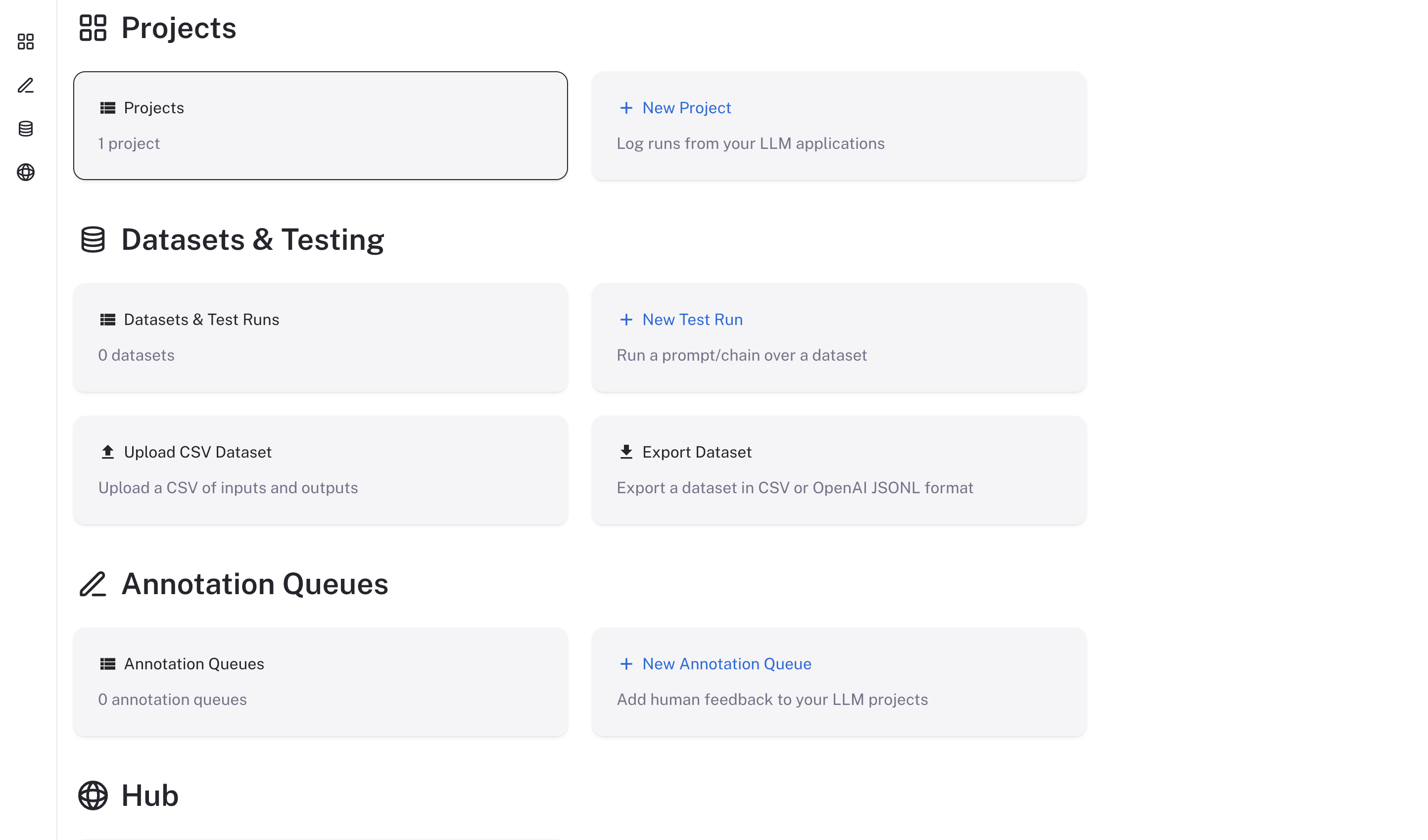
Upgrade from v16 to v17
Chart v17 changes the values for SmithDB, sandboxes, and Engine. Update your values file before you runhelm upgrade. Chart v17 fails to render the SmithDB, sandbox, and Engine values below until you change them. If you deploy with the Terraform modules, follow the upgrade steps in the AWS, GCP, or Azure deploy guide, which apply these changes to the module’s values files.
-
SmithDB: Move
smithdb.migration.deploymenttosmithdb.migration.job. Withsmithdb.enabled: true, move the flat autoscaling keys (enabled,minReplicas,maxReplicas, and the rest) onquery,ingestion,mutations,runRules,statsQuery, andcompactionWorkerunderautoscaling.hpa.*. ForcompactionWorker, you can useautoscaling.keda.*instead, but enable only one scaler. For the cache volume changes, see Cache storage. -
Sandboxes: Chart v17 removes the bundled JuiceFS CSI driver, and
sandbox-hostmounts JuiceFS itself. Chart v17 ignores a leftoversandboxes.juicefs.csiblock, and its validation then fails withsandboxes.juicefs.redis.metaURL is required when sandboxes.enabled is true and sandboxes.juicefs.existingSecretName is not set.Move the settings:sandboxes.juicefs.csi.existingSecretNamebecomessandboxes.juicefs.existingSecretName. The Secret keeps its keys.- The cache options in
sandboxes.juicefs.csi.mountPodPatchmove tosandboxes.juicefs.hostMount.cacheDirssets the host paths for the JuiceFS cache and defaults to/var/cache/juicefs. If you override it, list at least one absolute path. Set other JuiceFS options inmountOptionsin the--flag=valueform, and do not set--cache-dirthere. The default cache size drops from 300 GiB (cache-size=307200) to 50 GiB (--cache-size=51200). - Move the IRSA or Workload Identity annotation from
sandboxes.juicefs.csi.node.serviceAccount.annotationstosandboxes.sandboxHost.serviceAccount.annotations. On GKE,sandbox-hostruns on the host network, and GKE does not give Workload Identity to host-network pods, so the annotation serves only thejuicefs-formatJob. Also grant the sandbox node pool’s service accountroles/storage.objectAdminon the bucket, limited by an IAM condition to the JuiceFS prefix. Without that grant, the mount gets 403 from Cloud Storage.
sandbox-hostpods stay inTerminating. With the default release name:Running sandboxes stop. Their data stays in object storage and Redis, because both chart v16 PersistentVolumes use theRetainreclaim policy. -
Engine: With Engine enabled, set
engine.usageSigningSecretto a value of at least 32 characters (generate one withopenssl rand -hex 32), or, when you useconfig.existingSecretName, add anengine_usage_signing_secretkey to that Secret instead. The defaultengine.intelligenceBaseUrlchanges tohttps://beacon.langchain.com/intelligence, which records usage only. To keep running Engine on LangSmith Intelligence models, as on chart v16, keephttps://beacon.aws.langchain.com/intelligenceand select LangSmith Intelligence under Settings > Engine > Model providers. For details, see LangSmith Engine on Self-hosted.
Connect these docs to your agent of choice via MCP for real-time answers.