

Installation
Install the following for Python or JS (the code snippets use the OpenAI integration). For a full list of packages available, see the LangChain docs.Quick start
1. Configure your environment
If your account is in a region other than US (the default), also set
For example, EU accounts:
LANGSMITH_ENDPOINT to the API URL for your region. Without this, your API key won’t be recognized and requests will fail to authenticate.| Region |
|---|
| GCP US |
| GCP EU |
| GCP APAC |
| AWS US |
export LANGSMITH_ENDPOINT="https://eu.api.smith.langchain.com".If you are using LangChain.js with LangSmith and are not in a serverless environment, we also recommend setting the following explicitly to reduce latency:
export LANGCHAIN_CALLBACKS_BACKGROUND=trueIf you are in a serverless environment, we recommend setting the reverse to allow tracing to finish before your function ends:export LANGCHAIN_CALLBACKS_BACKGROUND=false2. Log a trace
No extra code is needed to log a trace to LangSmith. Just run your LangChain code as you normally would.3. View your trace
By default, the trace will be logged to the project with the namedefault.
Trace selectively
The previous section showed how to trace all invocations of a LangChain runnables within your applications by setting a single environment variable. While this is a convenient way to get started, you may want to trace only specific invocations or parts of your application. There are two ways to do this in Python: by manually passing in aLangChainTracer instance as a callback, or by using the tracing_context context manager.
In JS/TS, you can pass a LangChainTracer instance as a callback.
Log to a specific project
Statically
As mentioned in the tracing conceptual guide LangSmith uses the concept of a Project to group traces. If left unspecified, the tracer project is set to default. You can set theLANGSMITH_PROJECT environment variable to configure a custom project name for an entire application run. This should be done before executing your application.
Dynamically
This largely builds off of the previous section and allows you to set the project name for a specificLangChainTracer instance or as parameters to the tracing_context context manager in Python.
Add metadata and tags to traces
You can annotate your traces with arbitrary metadata and tags by providing them in theRunnableConfig. This is useful for associating additional information with a trace, such as the environment in which it was executed, or the user who initiated it. For information on how to query traces and runs by metadata and tags, see Query traces (SDK)
When you attach metadata or tags to a runnable (either through the
RunnableConfig or at runtime with invocation params), they are inherited by all child runnables of that runnable.Customize run name
You can customize the name of a given run when invoking or streaming your LangChain code by providing it in the Config. This name is used to identify the run in LangSmith and can be used to filter and group runs. The name is also used as the title of the run in the LangSmith UI. This can be done by setting arun_name in the RunnableConfig object at construction or by passing a run_name in the invocation parameters in JS/TS.
The
run_name parameter only changes the name of the runnable you invoke (e.g., a chain, function). It does not rename the nested run automatically created when you invoke an LLM object like ChatOpenAI (gpt-6-luna). In the example, the enclosing run will appear in LangSmith as MyCustomChain, while the nested LLM run still shows the model’s default name.To give the LLM run a more meaningful name, you can either:- Wrap the model in another runnable and assign a
run_nameto that step. - Use a tracing decorator or helper (e.g.,
@traceablein Python, ortraceablefromlangsmithin JS/TS) to create a custom run around the model call.
Override model name in traces
When tracing LangChain model calls, LangSmith automatically captures the model identifier used in the API call. However, you may want to display a different, more descriptive name in traces for organizational purposes or to distinguish between different model configurations. You can do this by passing thels_model_name metadata parameter when constructing or configuring your LangChain model.
This is particularly useful when:
- Working with self-hosted or local models where the model ID might not be descriptive.
- Using the same model with different configurations and wanting to distinguish them in traces.
- Creating aliases for models to make traces more readable for your team.
- Standardizing model names across different deployment environments.
ls_model_name in the model’s metadata, this name will appear in the LangSmith UI for all traces involving that model instance. This works for any LangChain chat model or LLM and is inherited by all runs that use the model, including when it’s part of a chain.
The
ls_model_name metadata parameter is also used for cost tracking. When combined with the ls_provider parameter, LangSmith can automatically calculate costs for custom or self-hosted models. For more information about all available metadata parameters, see the metadata parameters reference.Customize run ID
You can customize the ID of a given run when invoking or streaming your LangChain code by providing it in the Config. This ID is used to uniquely identify the run in LangSmith and can be used to query specific runs. The ID can be useful for linking runs across different systems or for implementing custom tracking logic. This can be done by setting arun_id in the RunnableConfig object at construction or by passing a run_id in the invocation parameters.
This feature is not currently supported directly for LLM objects.
trace_id).
Access run (span) ID for LangChain invocations
When you invoke a LangChain object, you can manually specify the run ID of the invocation. This run ID can be used to query the run in LangSmith. In JS/TS, you can use aRunCollectorCallbackHandler instance to access the run ID.
Ensure all traces are submitted before exiting
In LangChain Python, LangSmith’s tracing is done in a background thread to avoid obstructing your production application. This means that your process may end before all traces are successfully posted to LangSmith. This is especially prevalent in a serverless environment, where your VM may be terminated immediately once your chain or agent completes. You can make callbacks synchronous by setting theLANGCHAIN_CALLBACKS_BACKGROUND environment variable to "false".
For both languages, LangChain exposes methods to wait for traces to be submitted before exiting your application. Below is an example:
Trace without setting environment variables
As mentioned in other guides, the following environment variables allow you to configure tracing enabled, the api endpoint, the api key, and the tracing project:LANGSMITH_TRACINGLANGSMITH_API_KEYLANGSMITH_ENDPOINTLANGSMITH_PROJECT
Distributed tracing with LangChain (Python)
LangSmith supports distributed tracing with LangChain Python. This allows you to link runs (spans) across different services and applications. The principles are similar to the distributed tracing guide for the LangSmith SDK.Interoperability between LangChain (Python) and LangSmith SDK
If you are using LangChain for part of your application and the LangSmith SDK (see Custom instrumentation) for other parts, you can still trace the entire application seamlessly. LangChain objects will be traced when invoked within atraceable function and be bound as a child run of the traceable function.
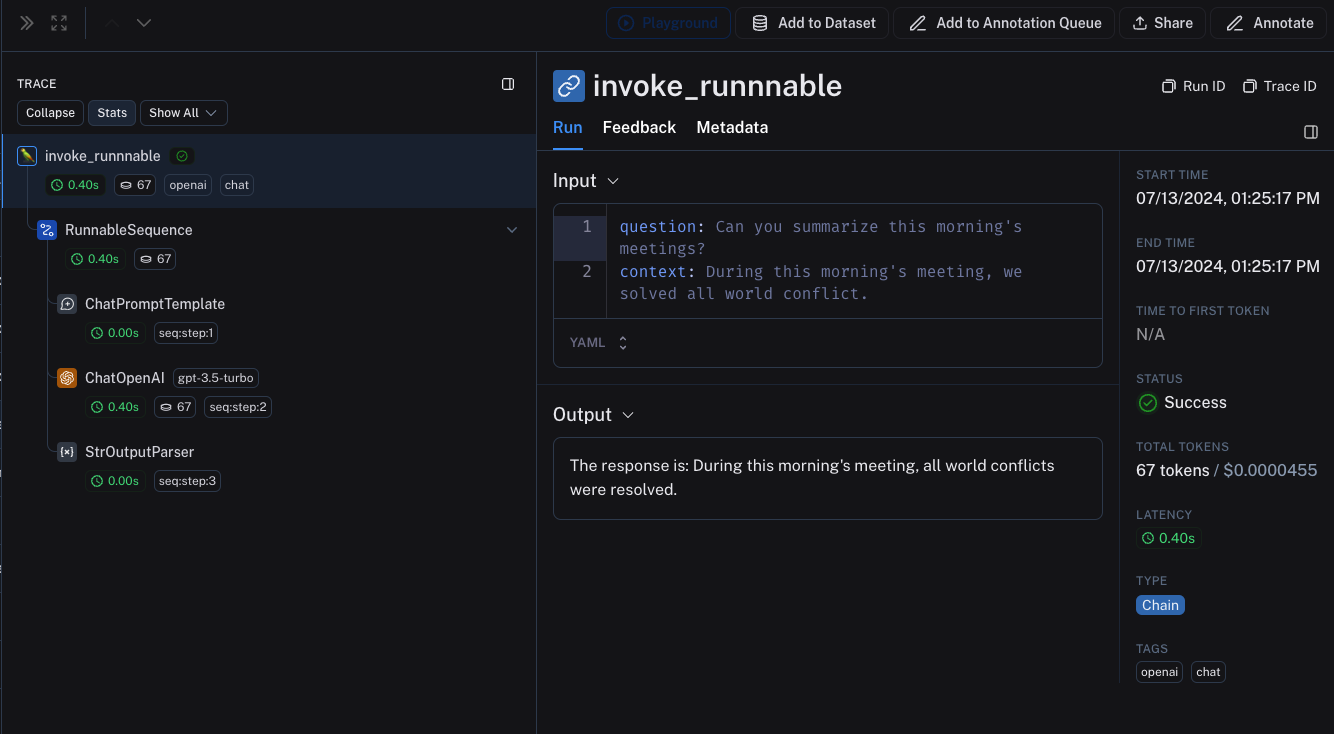
Interoperability between LangChain.JS and LangSmith SDK
Tracing LangChain objects inside traceable (JS only)
Starting with langchain@0.2.x, LangChain objects are traced automatically when used inside @traceable functions, inheriting the client, tags, metadata and project name of the traceable function.
For older versions of LangChain below 0.2.x, you will need to manually pass an instance LangChainTracer created from the tracing context found in @traceable.
Tracing LangChain child runs via traceable / RunTree API (JS only)
We’re working on improving the interoperability between
traceable and LangChain. The following limitations are present when using combining LangChain with traceable:- Mutating RunTree obtained from
getCurrentRunTree()of the RunnableLambda context will result in a no-op. - It’s discouraged to traverse the RunTree obtained from RunnableLambda via
getCurrentRunTree()as it may not contain all the RunTree nodes. - Different child runs may have the same
execution_orderandchild_execution_ordervalue. Thus in extreme circumstances, some runs may end up in a different order, depending on thestart_time.
traceable functions as part of the RunnableSequence or trace child runs of LangChain run imperatively via the RunTree API. Starting with LangSmith 0.1.39 and @langchain/core 0.2.18, you can directly invoke traceable-wrapped functions within RunnableLambda.
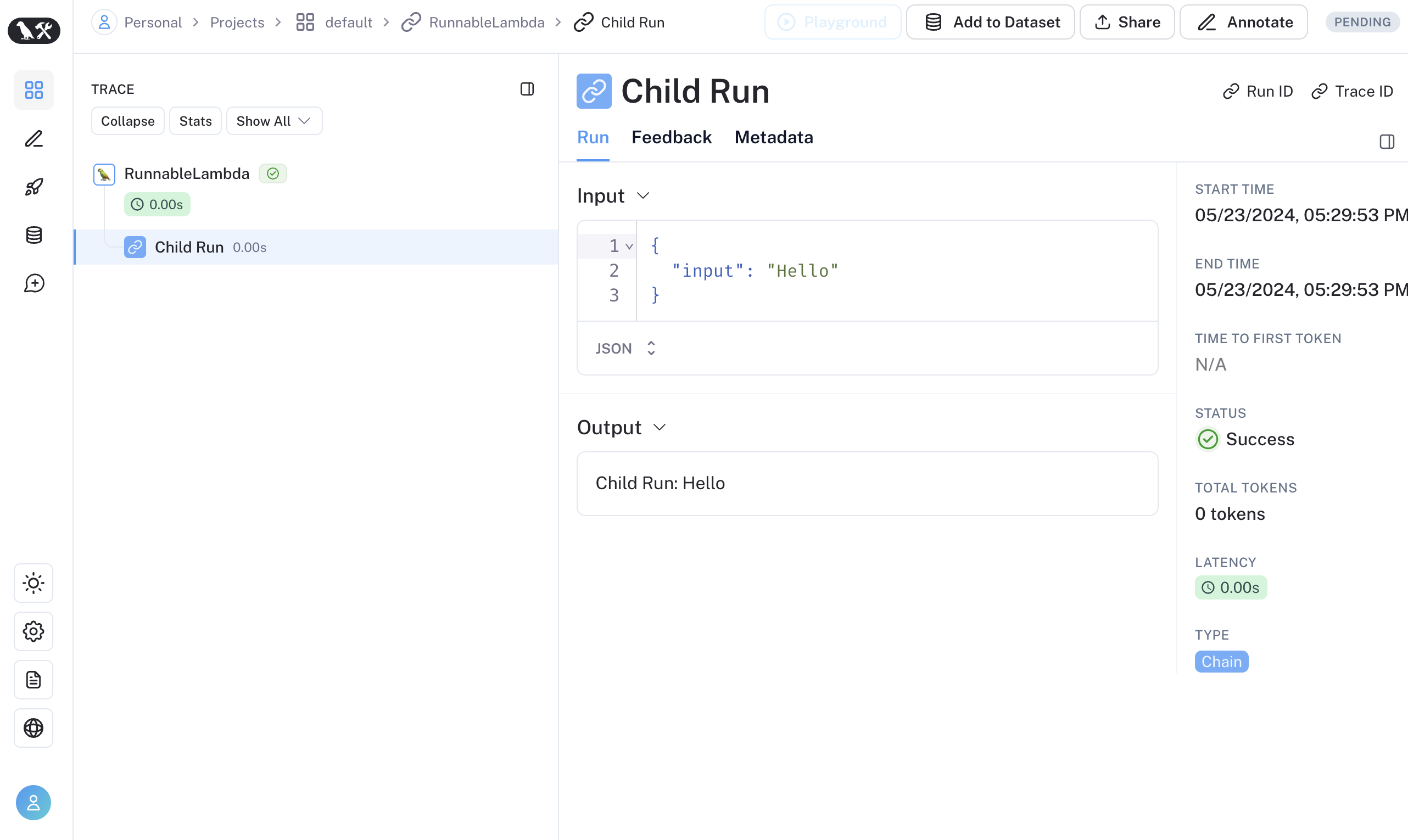
RunnableConfig to a equivalent RunTree object by using RunTree.fromRunnableConfig or pass the RunnableConfig as the first argument of traceable-wrapped function.
Connect these docs to your agent of choice via MCP for real-time answers.