

Concept: Pairwise evaluations
evaluate() with two existing experiments to define an evaluator and run a pairwise evaluation. Finally, you’ll use the LangSmith UI to view the pairwise experiments.
Prerequisites
- If you haven’t already created experiments to compare, check out the quick start or the how-to guide to get started with evaluations.
- This guide requires
langsmith>=0.2.0for Python orlangsmith>=0.2.9for JS.
You can also use
evaluate_comparative() with more than two existing experiments.evaluate() comparative args
At its simplest, evaluate / aevaluate function takes the following arguments:
Along with these, you can also pass in the following optional args:
Define a pairwise evaluator
Pairwise evaluators are just functions with an expected signature.Evaluator args
Custom evaluator functions must have specific argument names. They can take any subset of the following arguments:inputs: dict: A dictionary of the inputs corresponding to a single example in a dataset.outputs: list[dict]: A two-item list of the dict outputs produced by each experiment on the given inputs.reference_outputs/referenceOutputs: dict: A dictionary of the reference outputs associated with the example, if available.runs: list[Run]: A two-item list of the full Run objects generated by the two experiments on the given example. Use this if you need access to intermediate steps or metadata about each run.example: Example: The full dataset Example, including the example inputs, outputs (if available), and metadata (if available).
inputs, outputs, and reference_outputs / referenceOutputs. runs and example are useful only if you need some extra trace or example metadata outside of the actual inputs and outputs of the application.
Evaluator output
Custom evaluators are expected to return one of the following types: Python and JS/TS-
dict: dictionary with keys:key, which represents the feedback key that will be loggedscores, which is a mapping from run ID to score for that run.comment, which is a string. Most commonly used for model reasoning.
list[int | float | bool]: a two-item list of scores. The list is assumed to have the same order as theruns/outputsevaluator args. The evaluator function name is used for the feedback key.
pairwise_ or ranked_.
Run a pairwise evaluation
The following example uses a prompt which asks the LLM to decide which is better between two AI assistant responses. It uses structured output to parse the AI’s response: 0, 1, or 2.In the Python example below, we are pulling this structured prompt from the LangChain Hub and using it with a LangChain chat model wrapper.Usage of LangChain is totally optional. To illustrate this point, the TypeScript example uses the OpenAI SDK directly.
- Python: Requires
langsmith>=0.2.0 - TypeScript: Requires
langsmith>=0.2.9
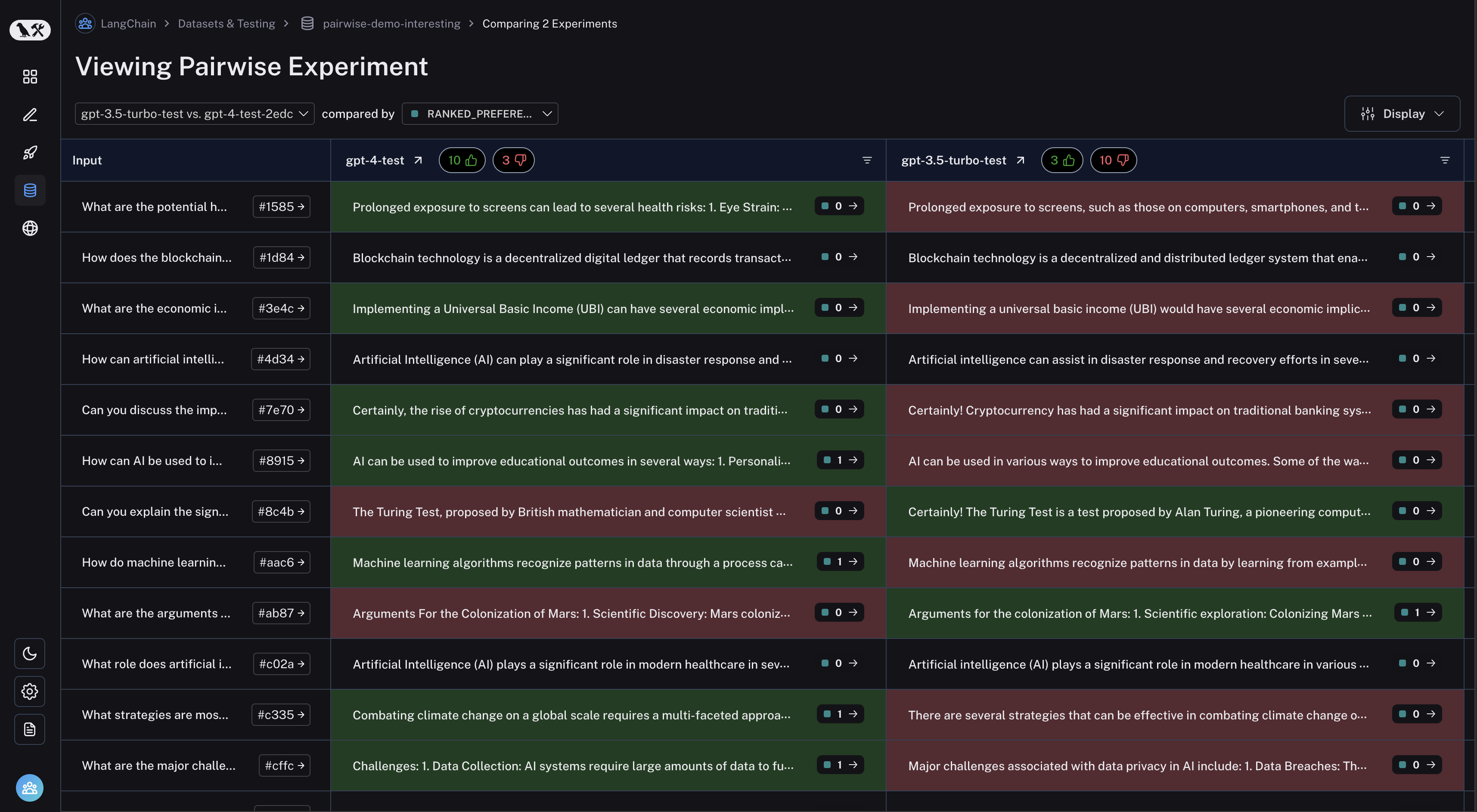
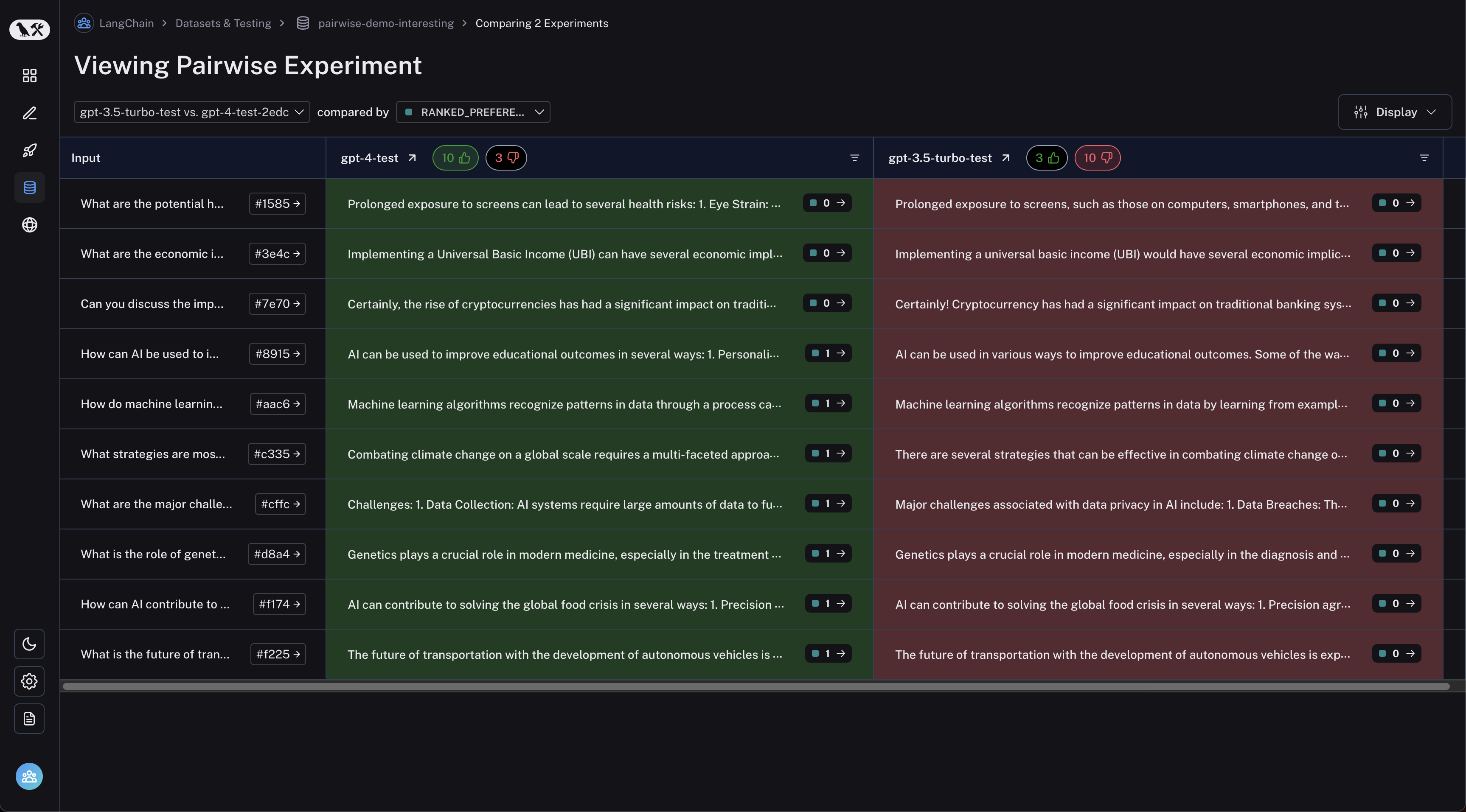
View pairwise experiments
Navigate to the “Pairwise Experiments” tab from the dataset page: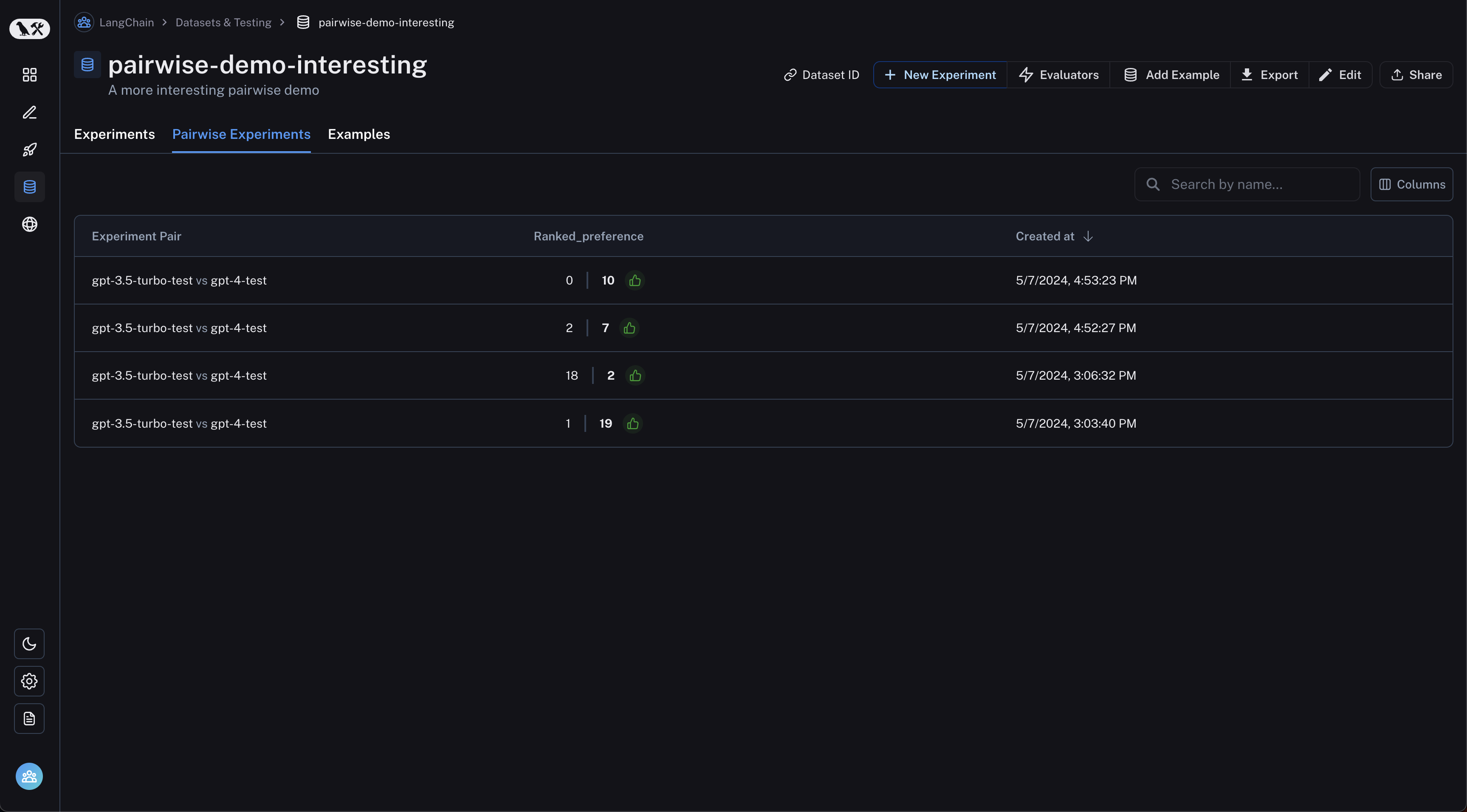
Connect these docs to your agent of choice via MCP for real-time answers.